Bubble Level App - Measure Angles Easily

Transform Your Phone into a Precision Leveling Tool!
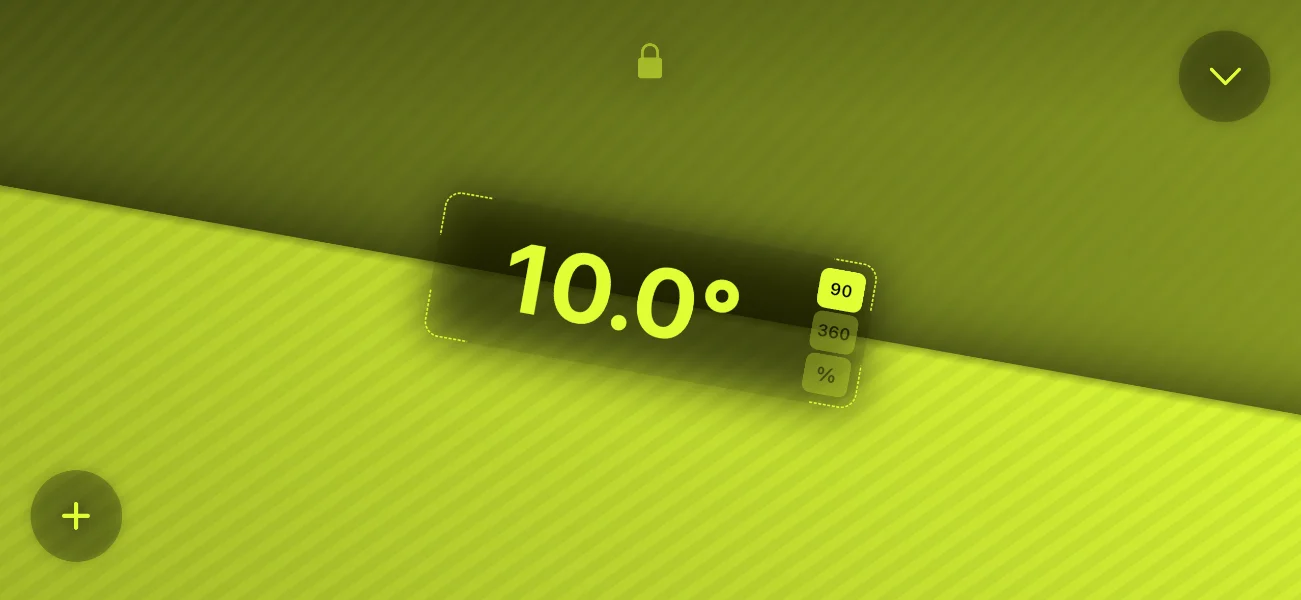
Super-Easy Level app showing AR bubble level and angle measurement

Over 450K users — 4.5 Star Average Rating

Introducing the Super Easy Bubble Level

Turn your device into a highly accurate bubble level (spirit level) with ease. Ideal for both DIY aficionados and professional builders, our app delivers unparalleled precision for any leveling task.

With camera integration and advanced AR features, you can measure angles, slopes, and lengths effortlessly—all through a clean, user-friendly interface designed for clarity and accuracy.

Why Choose Super-Easy Level?

Versatile Measurement Tools

Check levels, measure inclinations, and use camera integration for quick length measurements.

Augmented Reality Features

Use AR ruler and protractor tools for cutting-edge accuracy and visual feedback.

Simplicity at Its Best

Enjoy a smooth, intuitive interface that’s effortless to navigate on any smartphone or tablet.

Professional Precision

Measure angles to one-tenth of a degree with effortless calibration and crisp display readability.

See It In Action

Multiple Measurement Options

The Bubble Level app gives you precise angle measurements across multiple modes, from simple leveling to advanced inclinometer readings. You can also save a custom reference angle, making all future measurements automatically calibrated to your preferred baseline for faster, more accurate results.
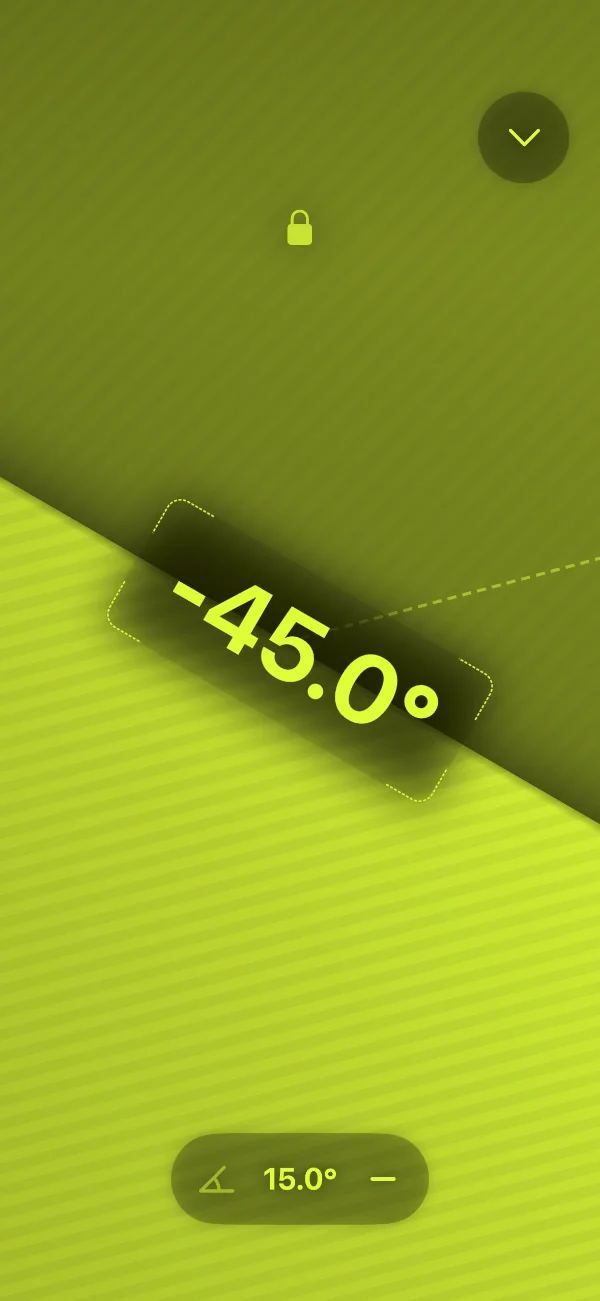
  • ◉ Full 360-degree mode
    Measure complete rotations with precision — perfect for checking full-range angles, confirming rotation accuracy, and performing advanced inclinometer tasks.
  • ◉ Nearest Angle mode
    Automatically reference the closest cardinal angle for fast, intuitive alignment — ideal for quick orientation checks, 90° alignment, and layout work.
  • ◉ Percentage of Inclination
    View tilt and slope as an easy-to-read percentage value, great for construction grading, ramp measurements, and slope analysis.
Super-Easy Level AR View

Advanced Surface Levelling Tool

Get even more accuracy with our Advanced Surface Leveling Tool. Perfect for DIY projects, woodworking, or professional alignment tasks, it uses your phone’s sensors to deliver highly reliable leveling results. Simply place your device on a surface and let the app guide you to a perfectly balanced position.
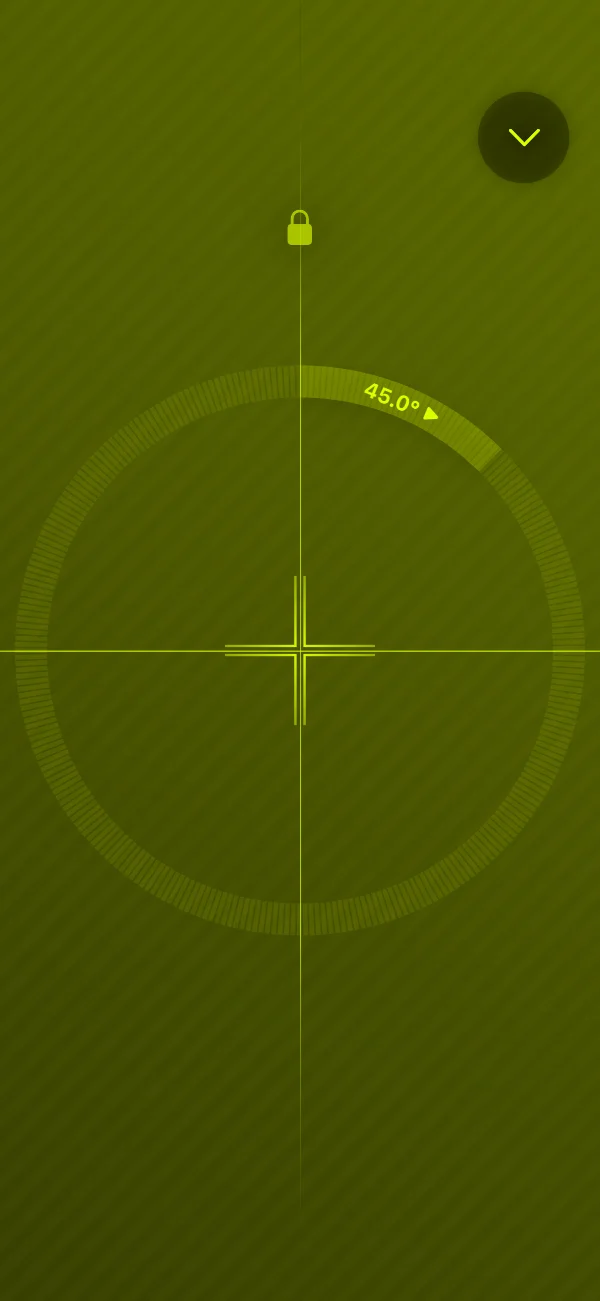
  • ◉ Advanced Surface Leveling
    Place your phone directly on any surface for instant, accurate leveling — ideal for checking flatness, ensuring even installations, and verifying surface alignment.
  • ◉ Guided Crosshair Alignment
    A smooth-moving crosshair helps you center and align with precision, perfect for fine adjustments, layout accuracy, and professional leveling.
  • ◉ Visual Yaw Indicator
    A circular progress-style display shows your rotation around the Z-axis at a glance, giving clear feedback for rotational alignment, orientation checks, and precise positioning.
Super-Easy Level AR View
Super-Easy Level preview

Customize Bubble Level App

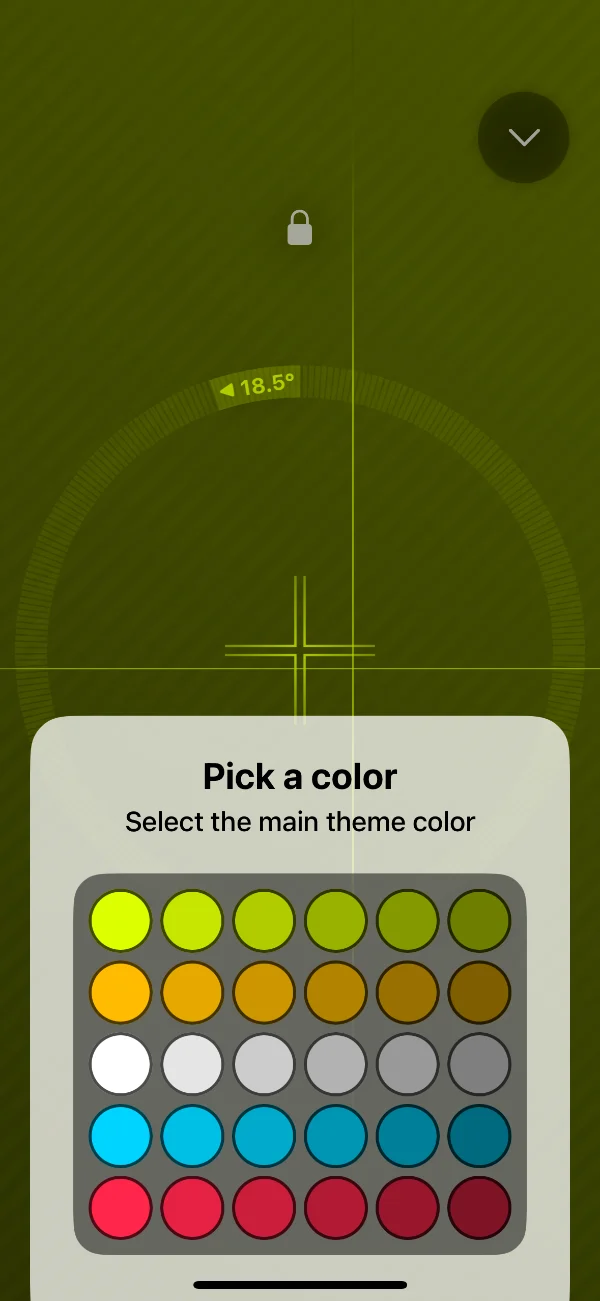
Personalize the entire look of your bubble level with fully tintable UI elements and a rich color palette. Choose the appearance that fits your environment and makes angle readings easier to see—whether you're using the inclinometer, spirit level, or any of the app’s measurement modes.

  • ◉ Fully tintable, high-contrast interface
  • ◉ Clear display
  • ◉ Modern yet elegant app design

What Our Users Say

Average 4.5 ★ from 450K+ users

Avatar for M0LEhole

M0LEhole

28. Aug. 2025

★★★★★

Flawless Free App

This app helps me get my iPad completely straight and level to watch when it’s on a wobbly tryone holder — never let me down yet, thanks.

Avatar for Cicstar

Cicstar

11. Aug. 2025

★★★★★

Great tool

I use the bubble level for my telescopes. It’s accurate and very convenient.

Avatar for levvaforu

levvaforu

3. Jun. 2024

★★★★★

Great apps, almost no ads

More detailed measurement results than the default iOS app. Very good! Not sure what the no‑ads logo means.

Avatar for No Bull Just Simple

No Bull Just Simple

28. Jan. 2024

★★★★★

Easy to use

Like since it works & simple to use.

Avatar for Peter Rinktum Brown

Peter Rinktum Brown

7. Feb. 2023

★★★★★

This angle finder

This is the best angle finder I have ever found!

Frequently Asked Questions

Calibration is fast and simple:

  1. Place your phone on a known flat or vertical surface.
  2. Tap the calibration button.

One-touch calibration ensures highly accurate readings for both DIY tasks and professional work.

The app uses your device's motion sensors with precision smoothing to provide highly accurate angle and tilt measurements, especially after calibration.
No — all core measuring tools work without the camera. The optional AR measurement uses the camera only if your device supports it and you enable it.
You can level shelves, picture frames, furniture, appliances, and a wide range of DIY or workshop projects with precise angle control.
Yes — the app fully supports iOS and Android with platform-specific sensor tuning for stable, repeatable readings.
The essential leveling and inclinometer features are free. Premium unlocks additional tools and convenience features such as advanced AR measurement and more customization options.

Level Up Your Precision Game

Imagine having a high‑precision bubble level, inclinometer, AR ruler, and protractor — all within a single app. Download Super‑Easy Level now and experience professional‑grade measurement in the palm of your hand.

Download on the
App Store
Get it on
Google Play